
Form Widgets
Different types of user interface widgets are used to capture data on a form. The choice of widget depends on the type of data it will capture, as defined by the Datatype of the Output data associated with the Capture Data element.
Let's take a look at the different types of user interface widgets used to capture data on a form.
Text widget
Single line text
Capture type = Single line

Multi-Line text
Capture type = Multi-line

Number widget

Logical widget
Checkbox
Capture type = Checkbox

Toggle
Capture type = Toggle

Button Group
Capture type = Button Group

Radio Group
Capture type = Radio Group

Dropdown
Capture type = Dropdown

Choice widget
Button Group
Capture type = Button Group

Radio Group
Capture type = Radio Group

Dropdown
Capture type = Checkbox

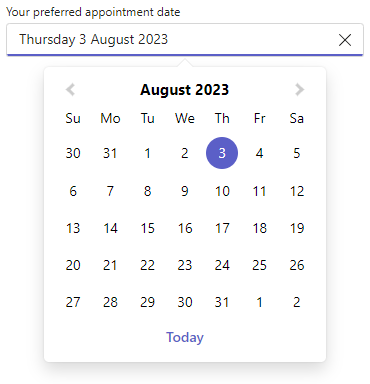
Date widget
Time widget

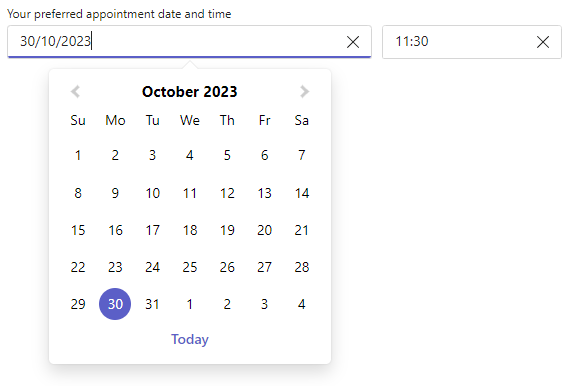
Date/Time widget
File widget

Person widget

 ON THIS PAGE