
Completing forms
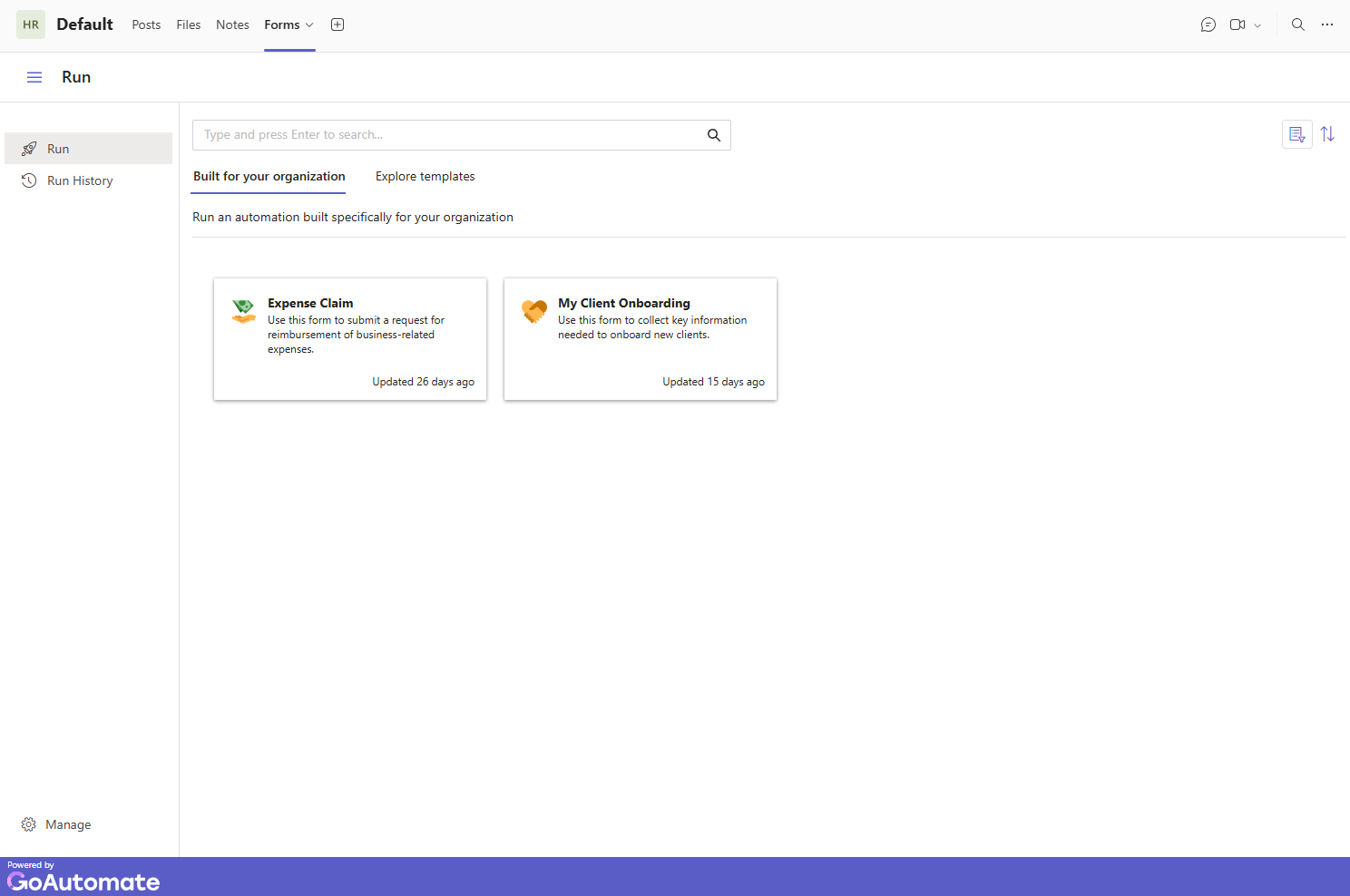
To fill out and submit a form in Microsoft Teams, go to the Forms option in the menu.
Completing forms
Under the Built for your organisation tab, you'll see all the forms you have access to. There may be others, but they're not available to you.
Use the toolbar to search, sort, or view more details like version and author.
To fill out and submit a form, click its card. The form will open - fill it out and click Submit.
Exploring Templates
In the Explore templates tab, you’ll find sample forms to inspire you. You can’t submit them, but you can try them out.
Use the toolbar to search, group, filter, sort, or see more info like version and author.
To try a template, click its card. The form will open - fill it out and click Try it! to test it.
 ON THIS PAGE