
The Microsoft Teams Form Trigger starts an approval when someone fills out a form in Teams. Access to the form can be restricted to specific individuals or groups. The data collected from the form is used to start the approval.
Properties
Configurable properties
The Microsoft Teams Form trigger has the following configurable properties:
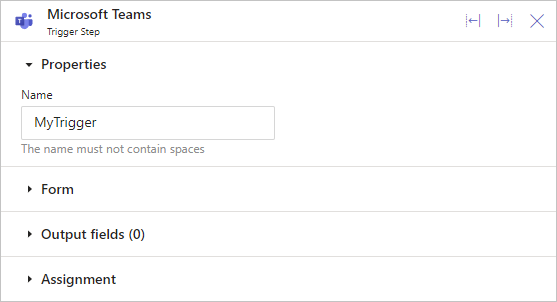
Give your trigger a simple, easy-to-understand Name. Use an adjective (like New, Submit, or Updated) followed by the name of what the trigger will start. Avoid spaces and use title-case, such as SubmitAnnualLeave.
System properties
The Microsoft Teams Form trigger has the following built-in properties:
| Property | Description | Datatype |
|---|---|---|
| Triggered | Indicates if triggered | Logical |
| SubmittedOn | When the form was submitted | Datetime |
| SubmittedBy.Person | Who submitted the form | Person |
System properties are managed by GoApprove and give useful information for building approvals. You can use them in formulas to see who completed and submitted the trigger form.
Form
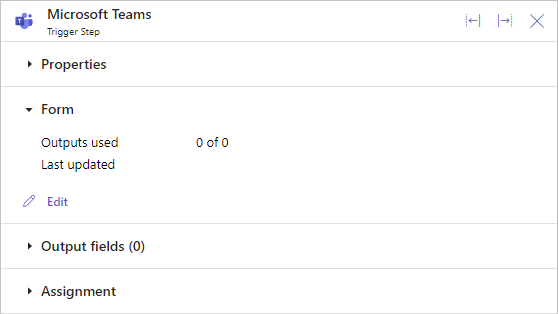
In the Form section, click Edit to open the Form Builder. You can also see how many Outdata data items are on your form and when it was last updated.
For more information on building forms, click here.
Output data
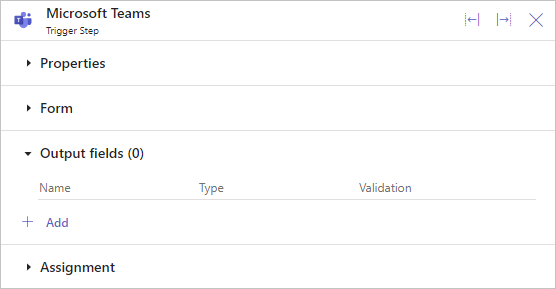
Output data is information that comes from your Trigger. It gets captured by your Form and then used in the approval.
To learn how to add Output data to a Trigger, click here.
Permissions
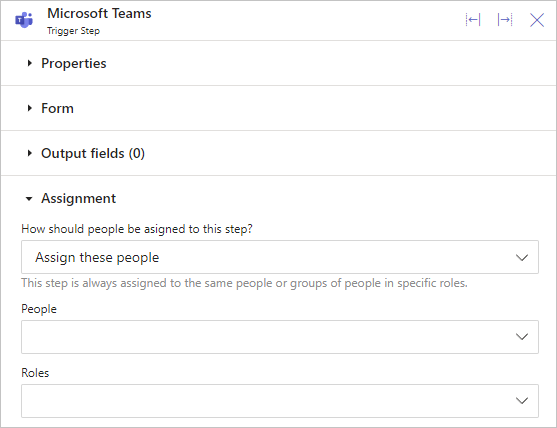
In this section, choose who can access and submit the Trigger Form. You can select one or more People or Groups from the drop-downs.
 ON THIS PAGE